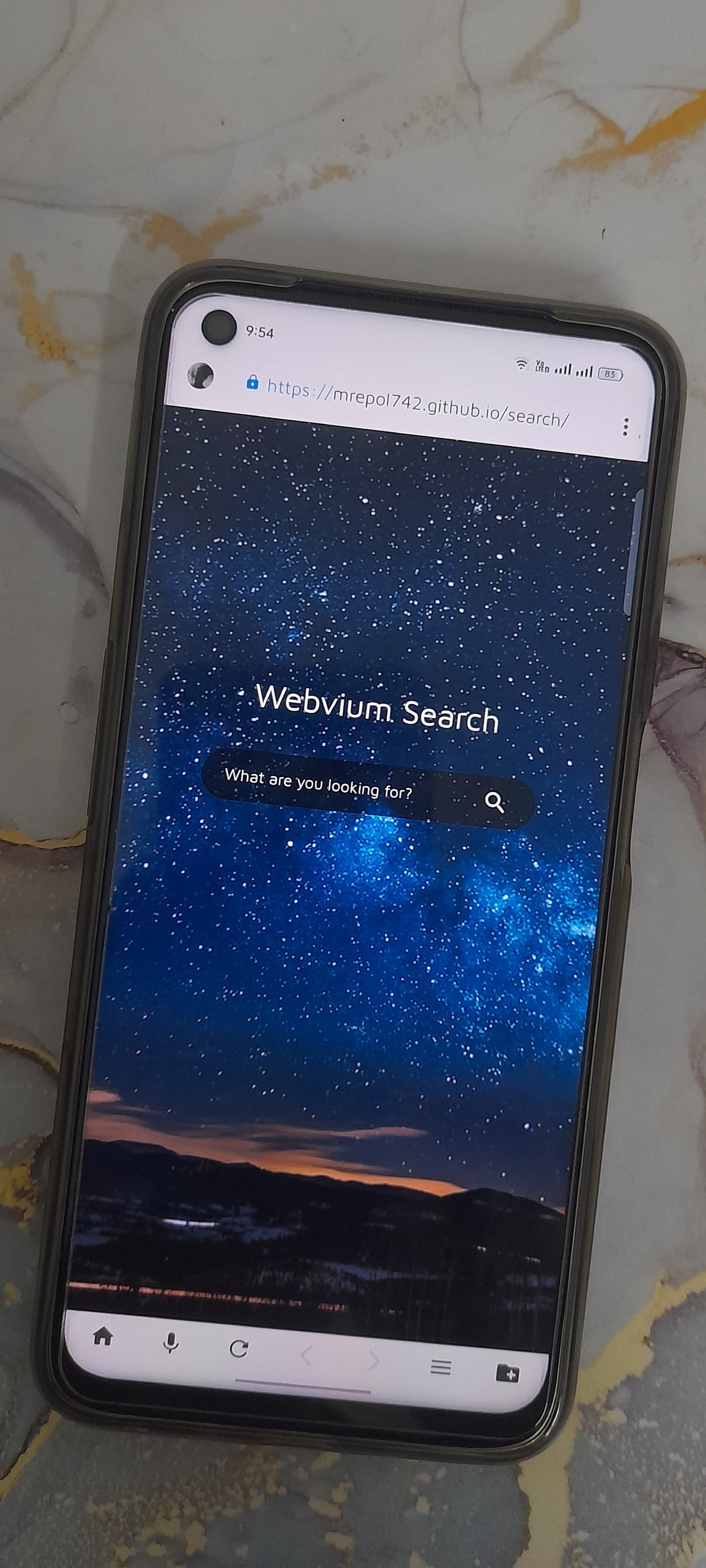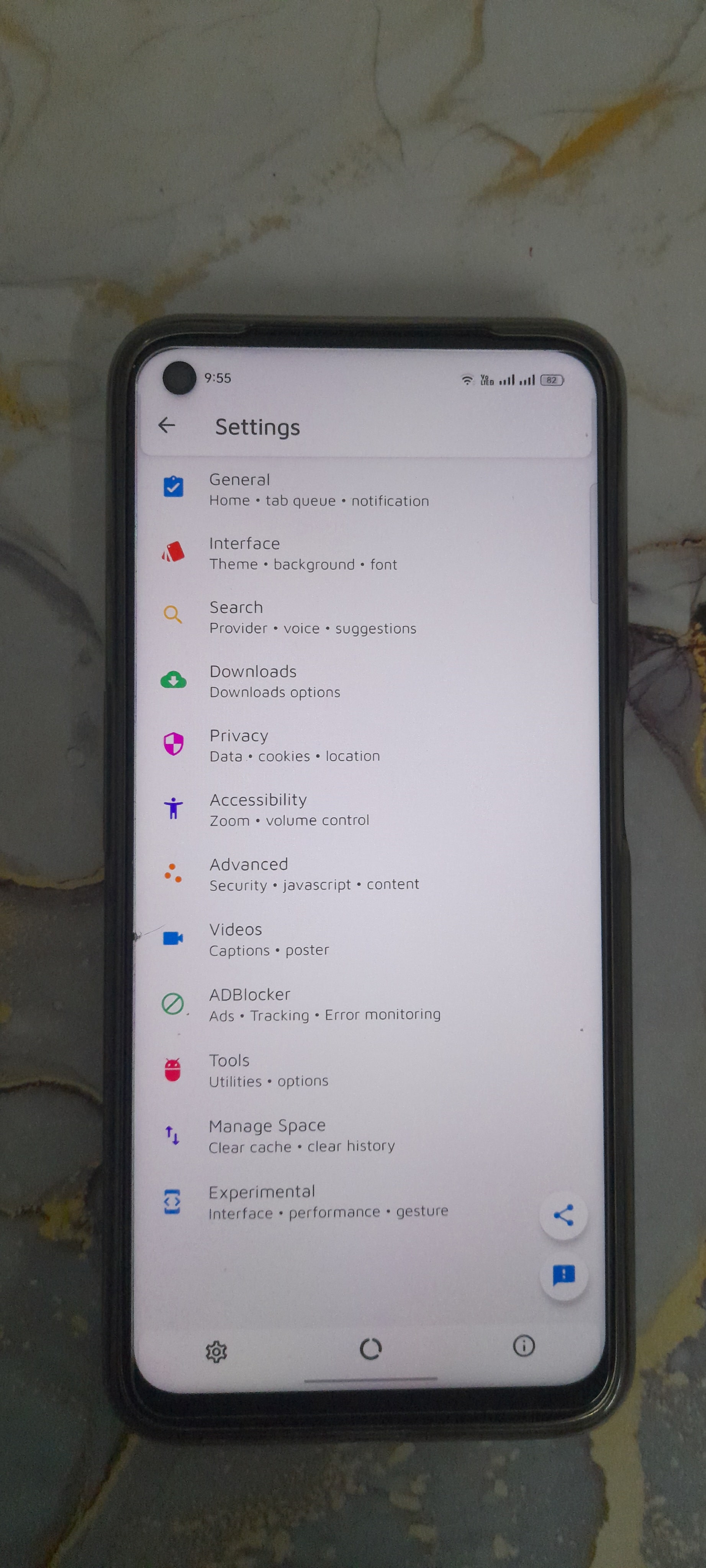
Webvium Browser
A lightweight, lightning-fast, ad-blocker and beautifully designed web browser for Android.
Changelog
1/28/2026
bug fixes & improvements - introduced `WebviumTabs` manager to handle tab lifecycle, persistence, and state restoration - implemented SQLite-based tab and favicon storage with dedicated background threads - refactored `WebviumActivity` to delegate tab management logic to `WebviumTabs` - added `isInitialize`, `setTitle`, and `setUrl` methods to `Webvium` for better state tracking - updated tab bundle naming convention from `tab_` to `webvium_tab_` - improved tab switching performance by restoring state only when necessary - added `favicon` table to database and implemented favicon caching logic - fixed logic in `onPageFinished` to correctly handle `lastCommittedUrl` and homepage state - simplified UI utility code for creating video loading progress views - bumped version to 3.1.2 and updated target SDK to 36
1/24/2026
bug fixes & improvements - updated Android Gradle Plugin version from 8.13.2 to 9.0.0 - upgraded Gradle distribution from 9.0.0 to 9.1.0 - expanded `gradle.properties` with several Android-specific build flags and optimizations - enabled Studio Bot context sharing in project settings
1/19/2026
bug fixes & improvements - added created_at and updated_at timestamps when inserting/updating search queries - added created_at and updated_at timestamps when creating bookmarks
1/18/2026
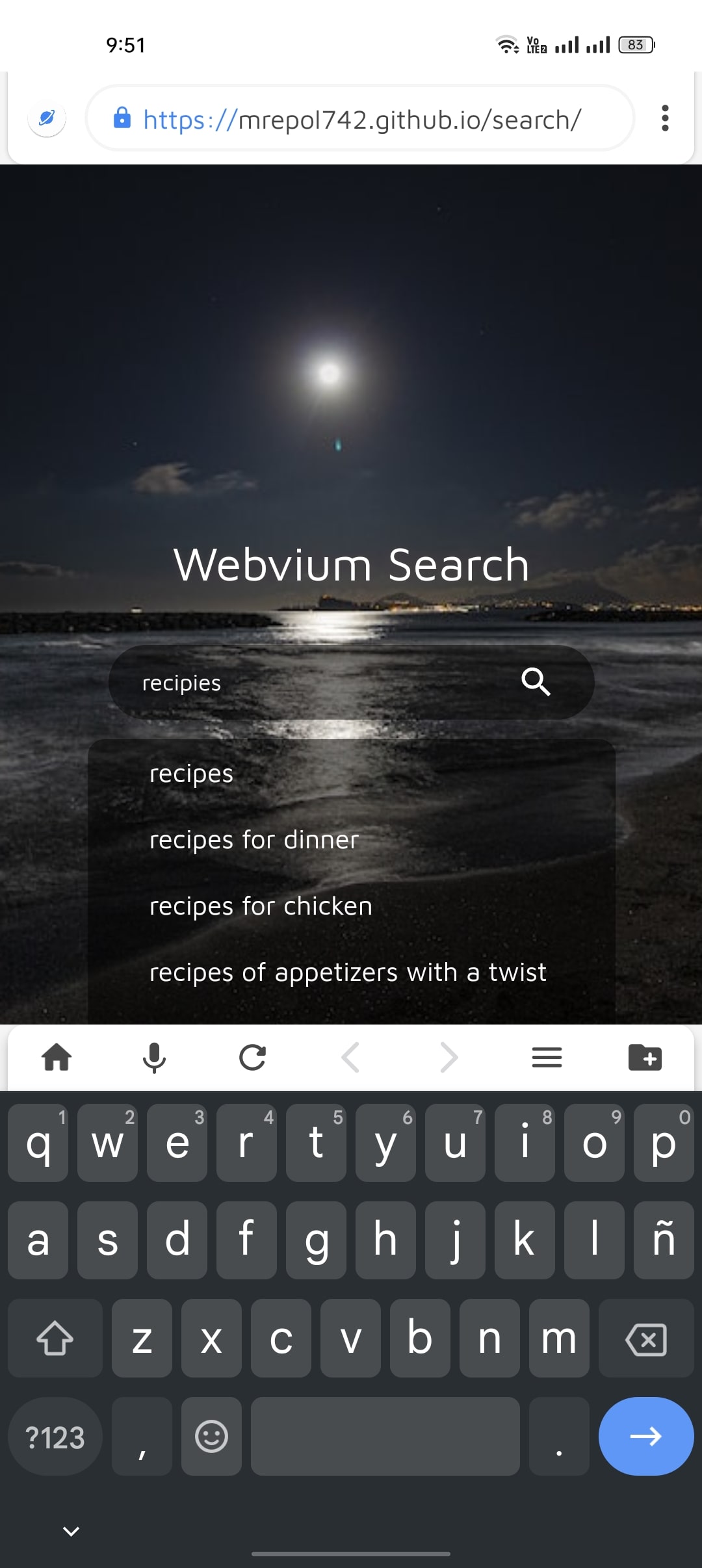
bug fixes & improvements - refactored and renamed `News` to `GoogleNews` with updated RSS feed logic - implemented `WebviumUpdates` to handle automatic update checking - redesigned the app's SQLite database schema with descriptive table and column names - added timestamps (`created_at`, `updated_at`) to database records - improved Search activity with debounced filtering and unified results from history, bookmarks, and downloads - updated User Agent strings for better compatibility - added an update notification banner to the homepage - bumped version to 3.1.1 and added a `releaseTest` build type - fixed various UI issues and updated strings/resources
1/15/2026
bug fixes & improvements - added news discovery feature on the homepage - added news cache and networking logic for RSS feeds - added toggle for news discovery in interface settings - update app version from 3.0.9 to 3.1.0 - improved bookmark and home screen shortcut dialogs - removed obsolete console message and panel methods - increased size of recently visited webpage icons on the homepage
Features
Endless Customization
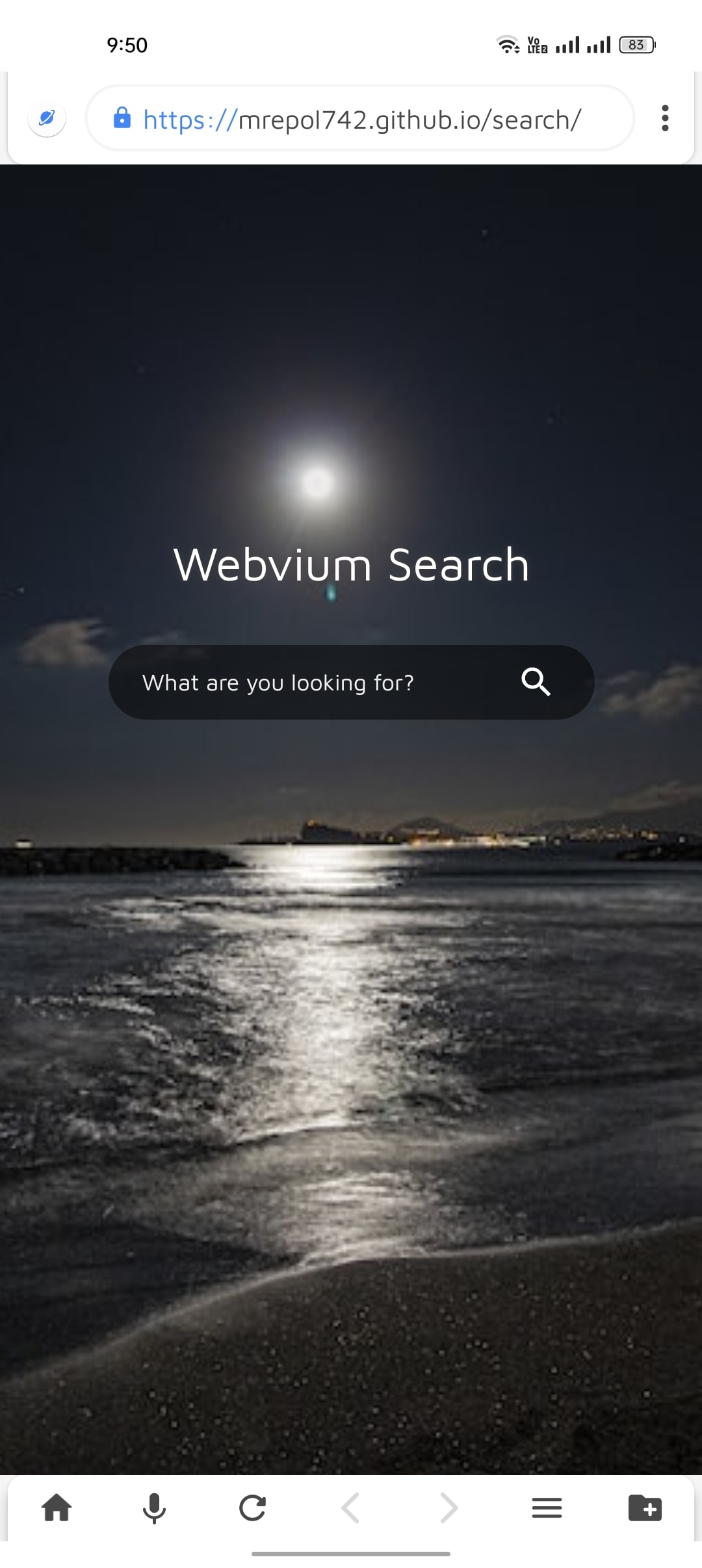
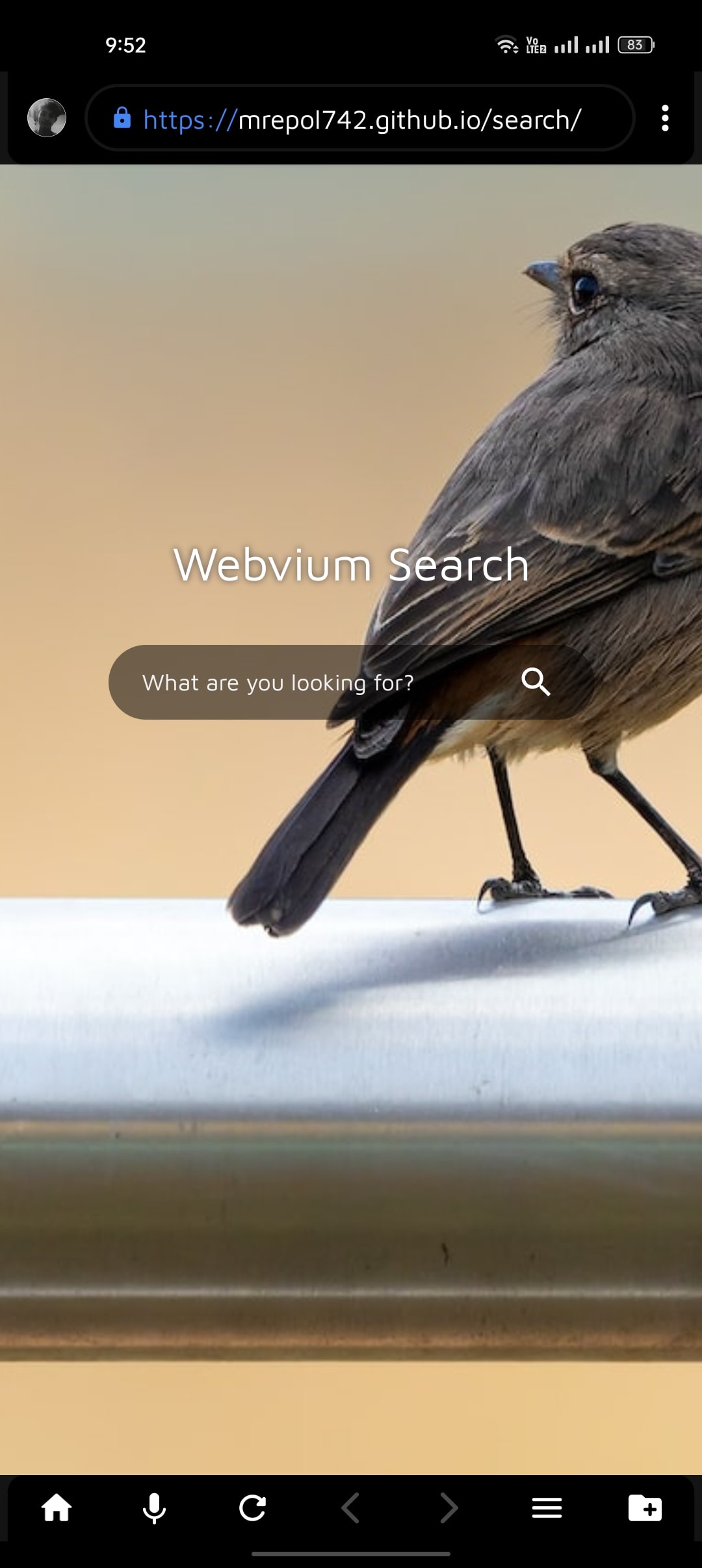
Personalize your browsing experience like never before. Switch between light and dark themes, add soft screen curves, or set your favorite photo as the background. Webvium lets you redefine how your browser looks and feels—just the way you like it.
Lightweight. Lightning Fast.
Webvium is built with speed and simplicity in mind. It installs in seconds, loads instantly, and runs smoother than ever. Experience faster browsing, quicker downloads, and effortless sharing—all in one ultra-light package.
Beautiful Material Design
Dive into a clean, modern interface inspired by Google’s Material Design. With carefully chosen colors, icons, and the elegant Maven Pro font, Webvium delivers a fresh, minimal, and intuitive browsing experience you’ll love to use.
Total Control at Your Fingertips
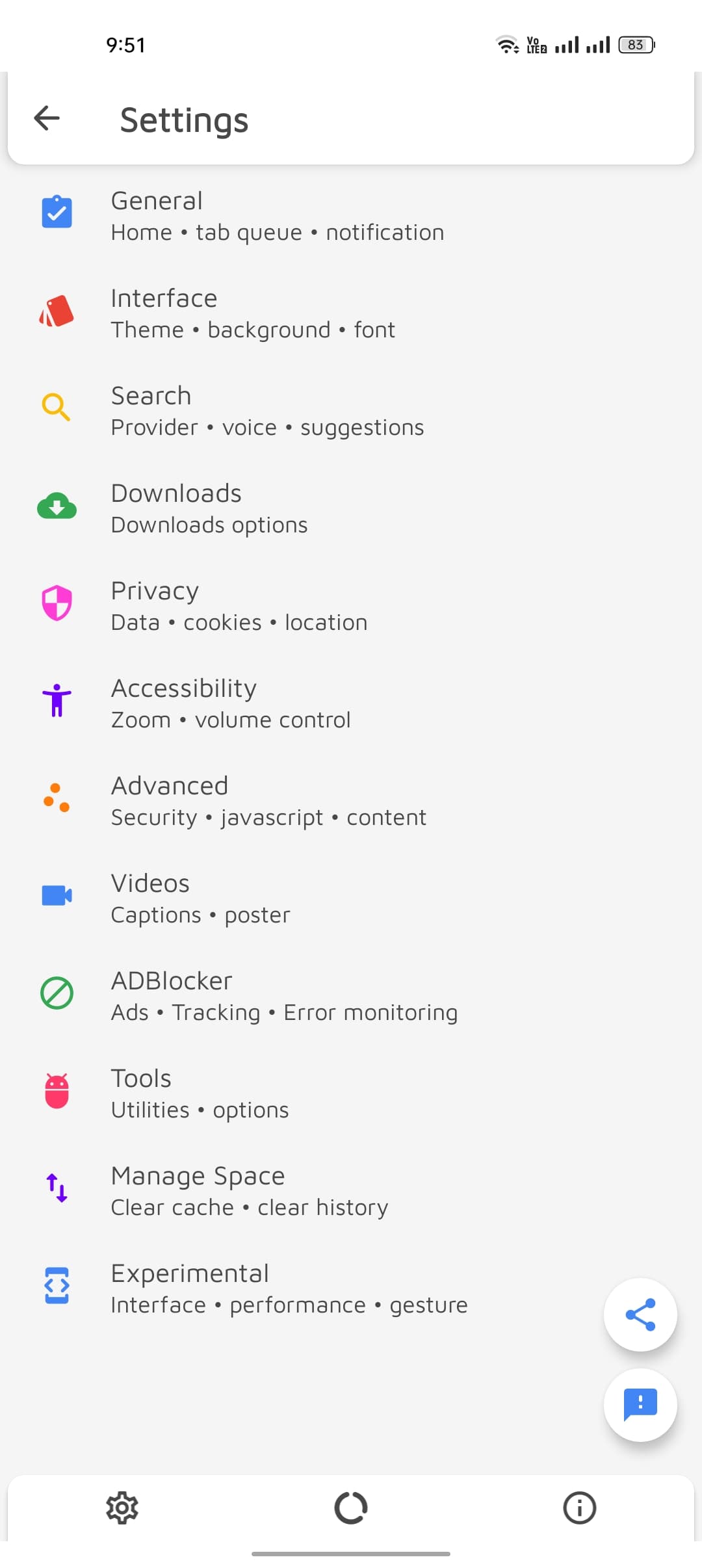
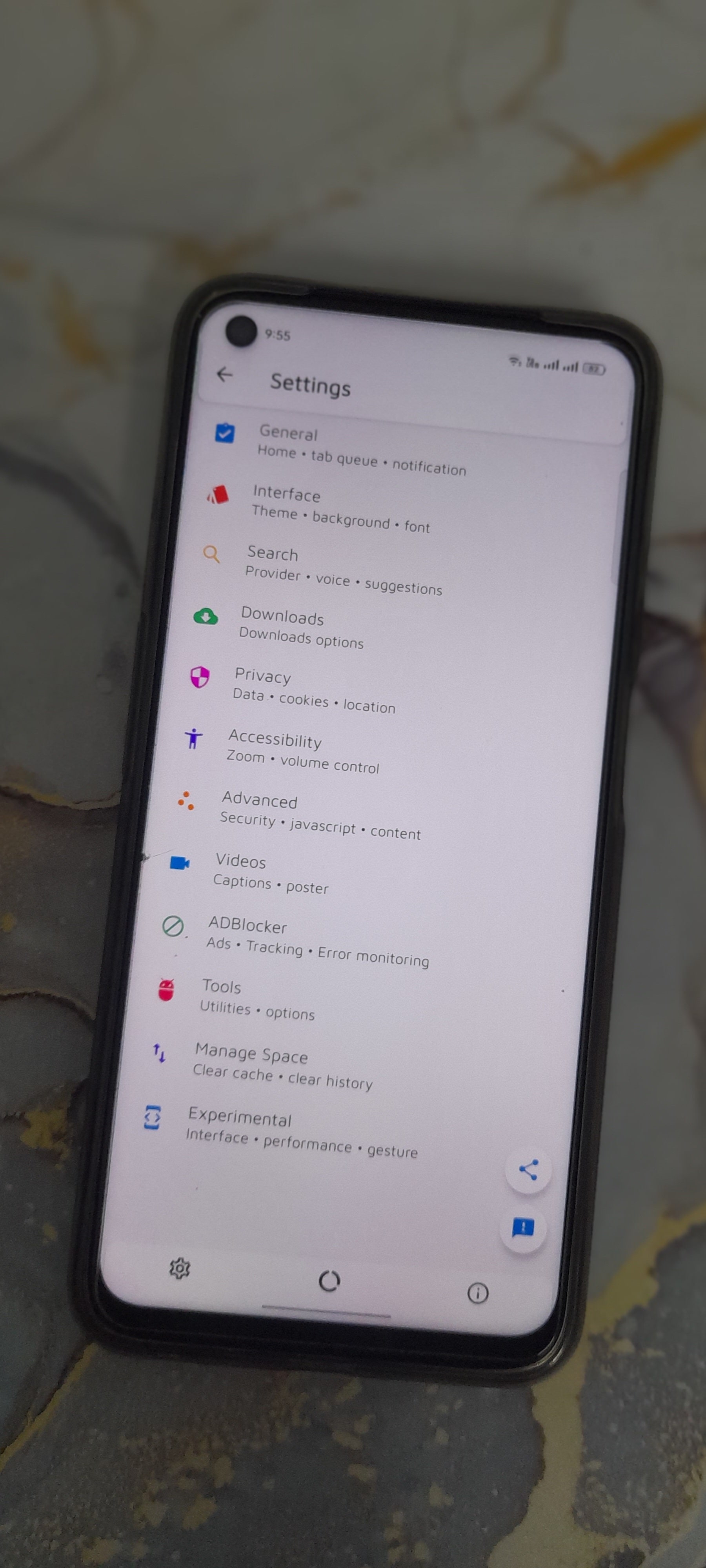
You’re always in charge. From web preferences to privacy settings, Webvium gives you complete control over how you browse. Adjust anything, anytime—because you’re the true admin of your experience.
Unmatched Privacy Protection
Your data is yours alone. Webvium never tracks, collects, or shares your browsing activity. Enjoy complete anonymity and peace of mind with our commitment to total privacy.
Your Data, Your Power
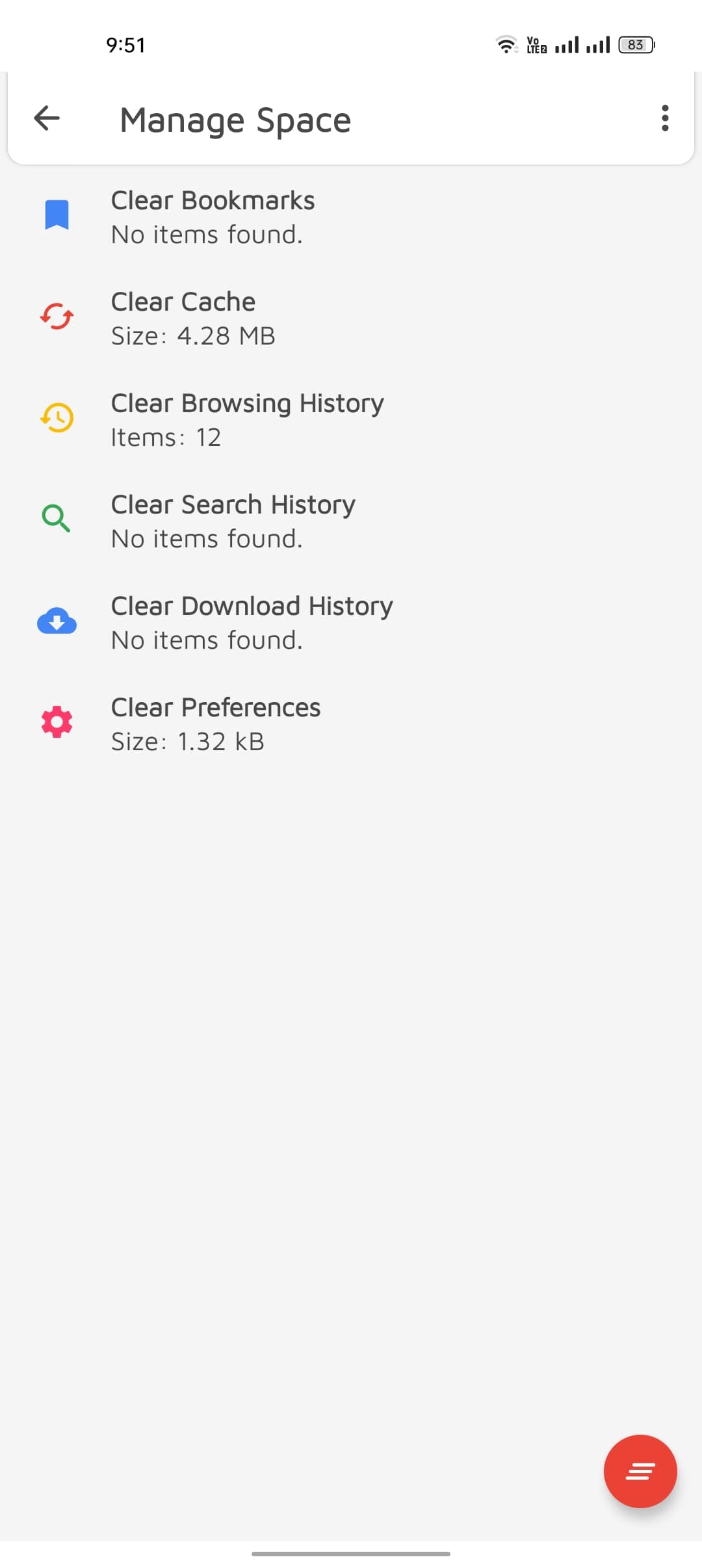
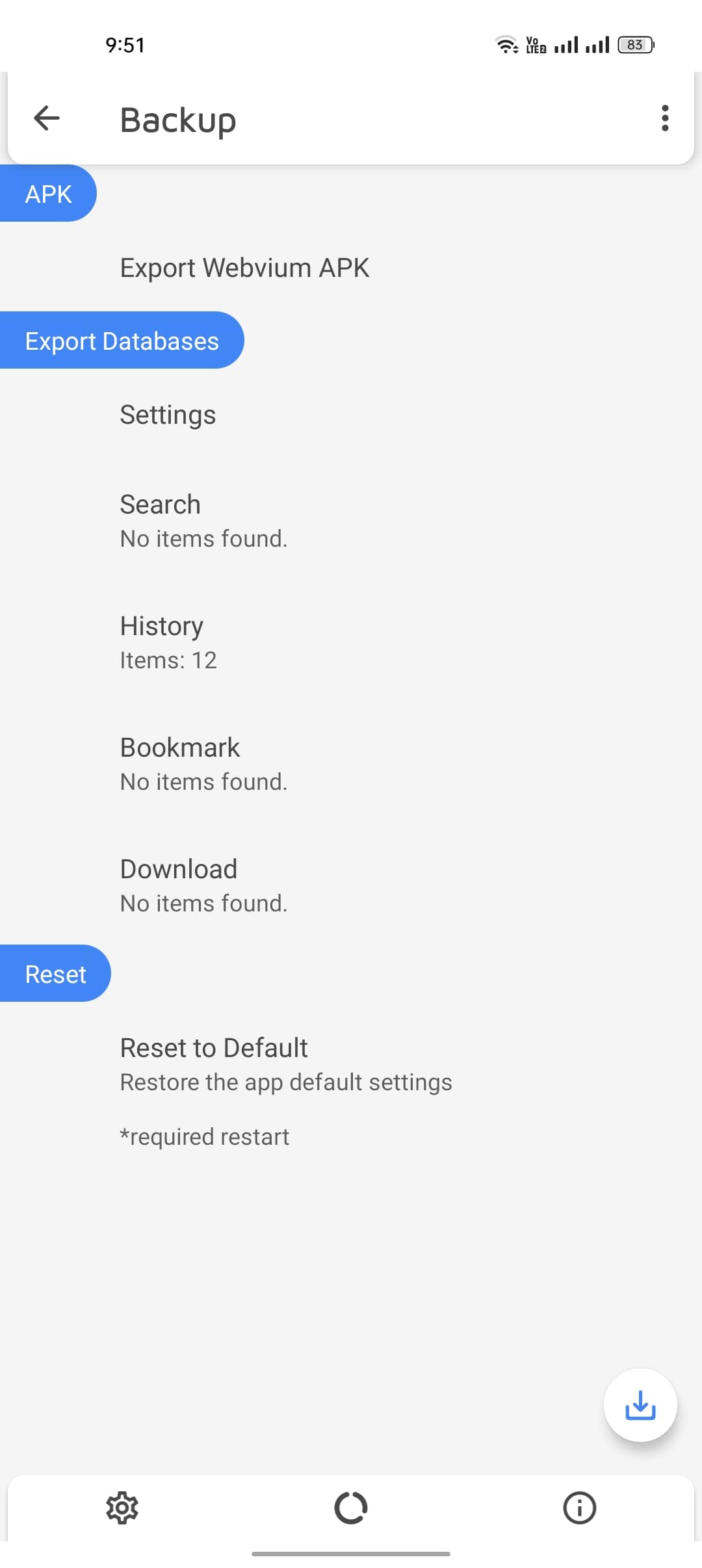
Back up everything—your history, bookmarks, searches, and settings—with just a tap. Webvium lets you export and restore your data whenever you need it, keeping you in full control at all times.
Legal
Privacy Policy
Learn how Webvium Browser handles your data and protects your privacy.
Read Privacy Policy →Terms of Service
Understand the rules and conditions for using Webvium Browser.
Read Terms of Service →Comments
Share your thoughts or ask questions about this project.